

What is Maadify
Maadify is a multi-agent orchestration platform. You connect applications, configure agents, and use chat or automated triggers to run workflows that combine standard integrations with agentic actions.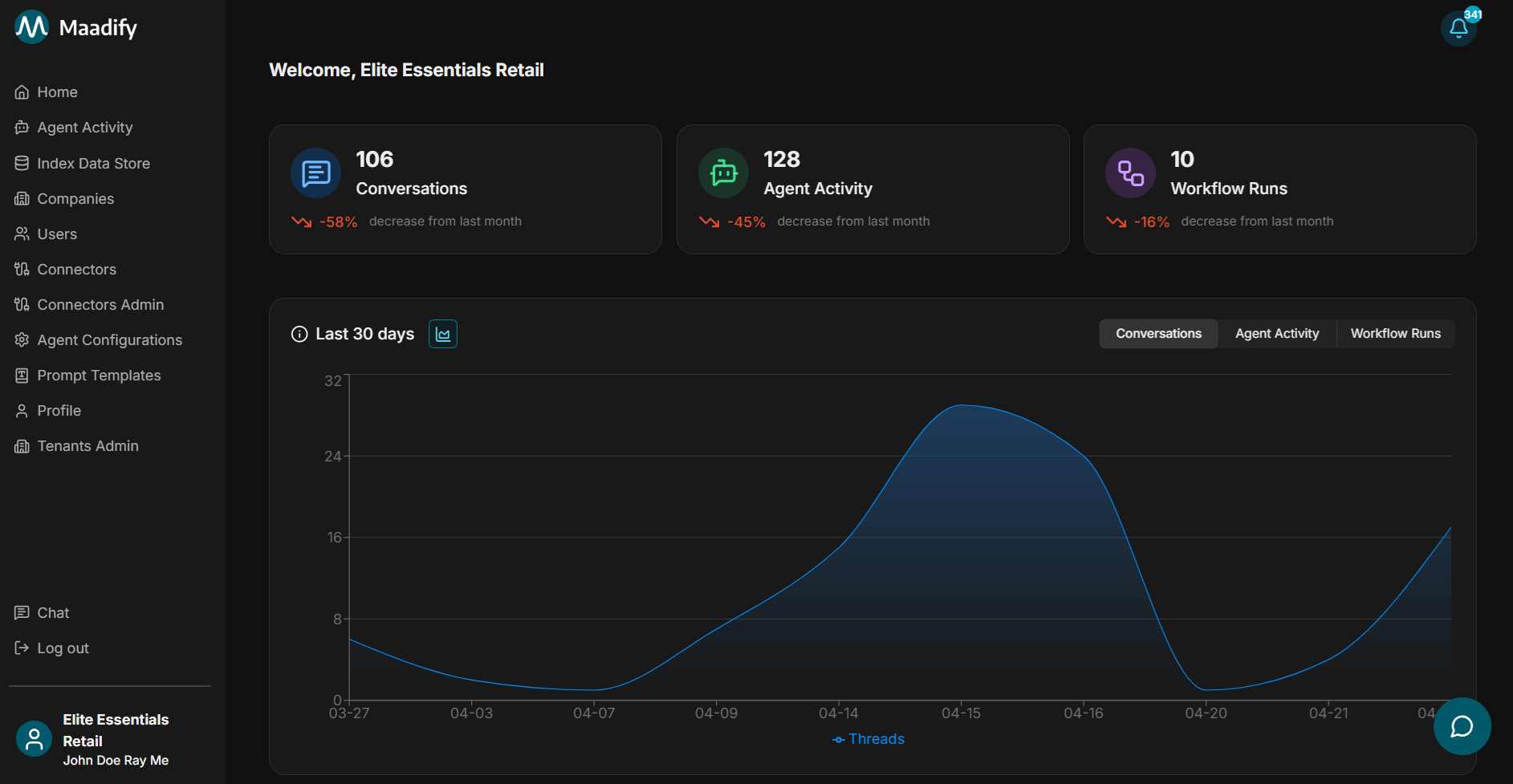
Why teams choose Maadify
Maadify is built for organizations that run agents across many tenants and partners, need strict control over what actions agents can take, and want a complete record of every workflow. The pillars below cover how Maadify combines secure multi-tenant sharing, hybrid orchestration, built-in execution environments, durable context, human-in-the-loop approvals, and full auditability.Multi-tenant by design
Operate across organizations and internal workspaces from one platform. Use Supplier, Channel, or your own Workspace to scope which agents and tools each tenant can see, run, and configure — then deploy parent agents per relationship with their own visibility and tool defaults.
Share agents and tools securely
Share a tool with a connected company without handing over the connector. Provide View, Use, or Full tool access, lock default field values so partners cannot change sensitive inputs, and revoke access to remove the tool from every dependent agent at once.
Deterministic and LLM-driven steps
Combine non-deterministic LLM reasoning with deterministic rules, conditions, and tool executions. Route on tool output, runtime inputs, last agent, or last tool, branch with nested condition groups, and add fallback rules so every workflow has a predictable next step.
Built-in code and browser execution
Run sandboxed Python for parsing, math, validation, and tool chaining, or use the Maadify Browser Agent to log in, navigate, and extract data from sites with no API. Both are first-class workflow steps with their own resource limits and replay support.
Context, memory, and compression
Ground agents on internal knowledge with index data stores, and tune per-sub-agent memory and context window across Thread, Agent, and Tenant scopes with configurable TTLs, message compression thresholds, and trim modes so long-running conversations stay efficient without losing recoverable detail.
Approvals and full audit trail
Pause workflows for human approval before sensitive actions, then review every agent step, tool input and output, source, file, and browser session replay in Agent activity. Each transition shows the rule that routed it, with user and timestamp context for compliance.
Start here
Quickstart
Connect your first app, create an agent, and test it in chat.
Platform overview
Learn how connectors, agents, chat, data stores, and monitoring fit together.
Connectors
Connect applications and make tools available to agents.
Parent agents
Build workflows that users can run from chat or automated triggers.
How the platform is organized
- Connectors store app authentication and expose tools for agents to use.
- Chat is where users test agents, choose workflows, run Universal Search, and review workflow steps.
- Agents orchestrate workflows using sub-agents, prompts, tools, and rules.
- Companies (tenants) define relationships and control tool and agent access.
- Index data stores provide internal knowledge to agents.
Next steps
Follow this path when you are setting up Maadify for the first time.1. Invite users and set roles
Add users, assign roles, and control who can access the admin portal or chat.
2. Connect applications
Configure connectors, add tools, and lock default tool settings when needed.
3. Build parent agents
Create parent agents, add sub-agents, configure tools, and define routing rules.
4. Test in chat
Route questions to agents, run Universal Search, and inspect workflow steps.
Optional next steps
Use these when you need deeper coverage or automation.Add internal knowledge
Create index data stores so agents and Universal Search can reference internal data.
Configure browser actions
Set up browser tools when an agent needs to navigate a website and take action.
Agent activity
Review completed runs, tool inputs and outputs, sources, errors, and browser replays.
Notifications
Track approvals, errors, and alerts that need user attention.